For your next chapter

Your experience.Your own website.

Turn your resume into a website that shows what you bring. Import your experience, make it your own, and share one link with employers, clients, and collaborators.

  • No coding needed
  • No credit card
  • Publish when you’re ready
Olivia Chen · Student portfolio
Illustrative preview
WorkAboutContact

Computer science student · Chicago

Hi, I’m Olivia.
I build useful things.

CS senior turning complex problems into simple, thoughtful products.

ReactPythonProduct design
Olivia Chen, fictional example profile
01
Campus RouteAccessible campus navigation
02
Study CirclePeer learning platform
03
Open LabResearch data explorer
Open to new-grad opportunities

Your work, in context. Try the working templates below

There’s more to your experience than a job title.

Career highlights, meaningful projects, community impact, skills in practice, and independent work.

  • Career highlights
  • Meaningful projects
  • Community impact
  • Skills in practice
  • Independent work

A few steps.
A site that feels like you.

Start with what you’ve done. You don’t need a long work history—or a finished resume—to begin.

01Add your details

Start with your work

Import your PDF or DOCX for free during setup, or start with guided fields. Review the details before adding them to your site.

02Make it yours

Choose your look

Choose a template, adjust the colors and type, and edit your words right in the live preview.

03Put it out there

Publish. Share. Update.

Get a public link for applications and LinkedIn. Keep refining your draft, then publish your changes.

One profile.
Find your style.

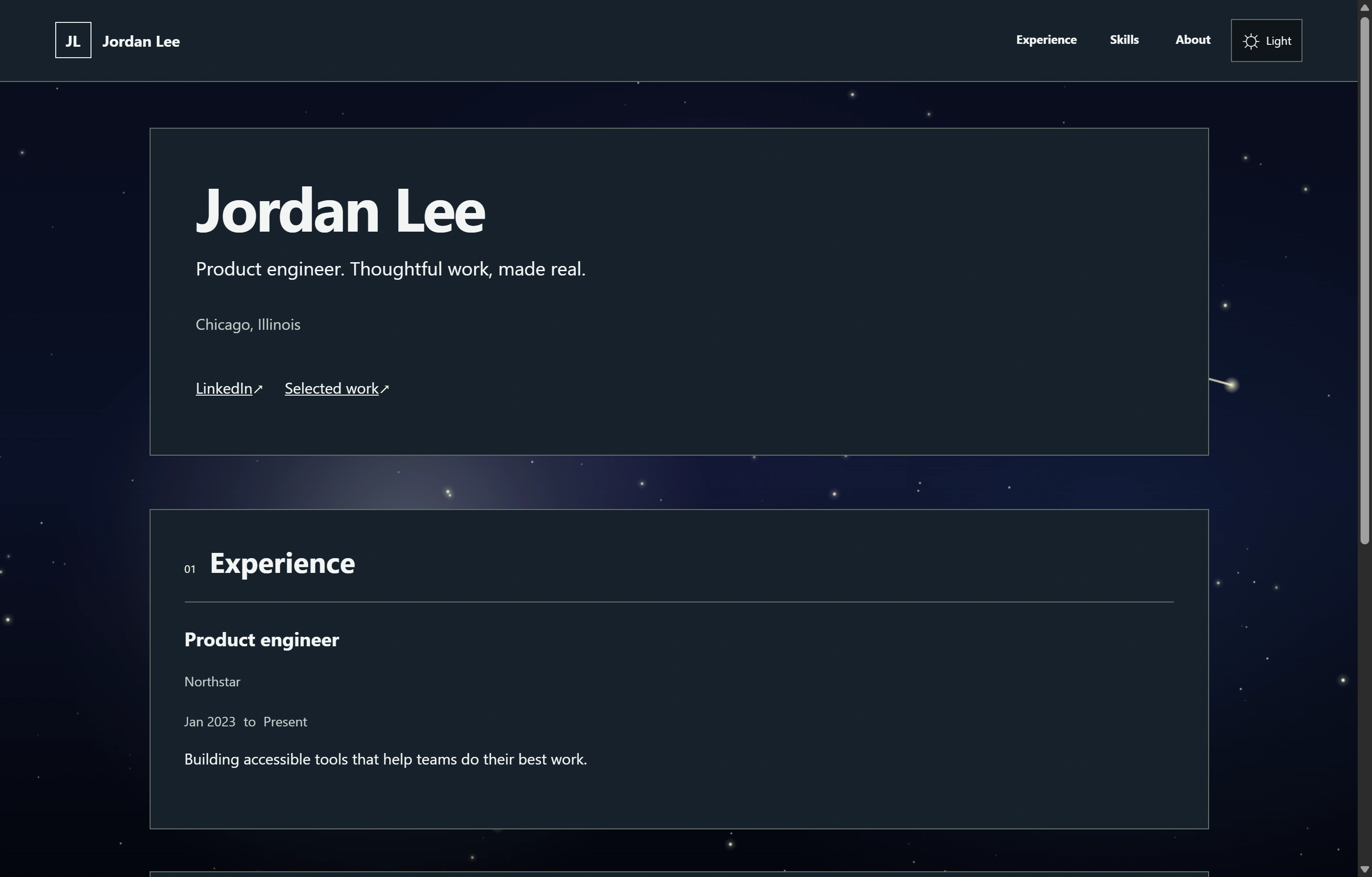
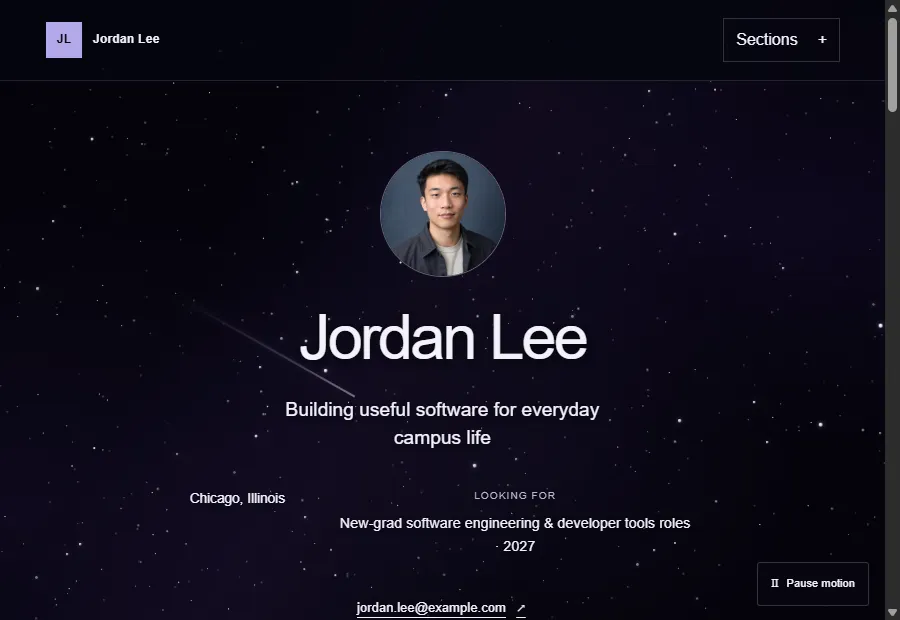
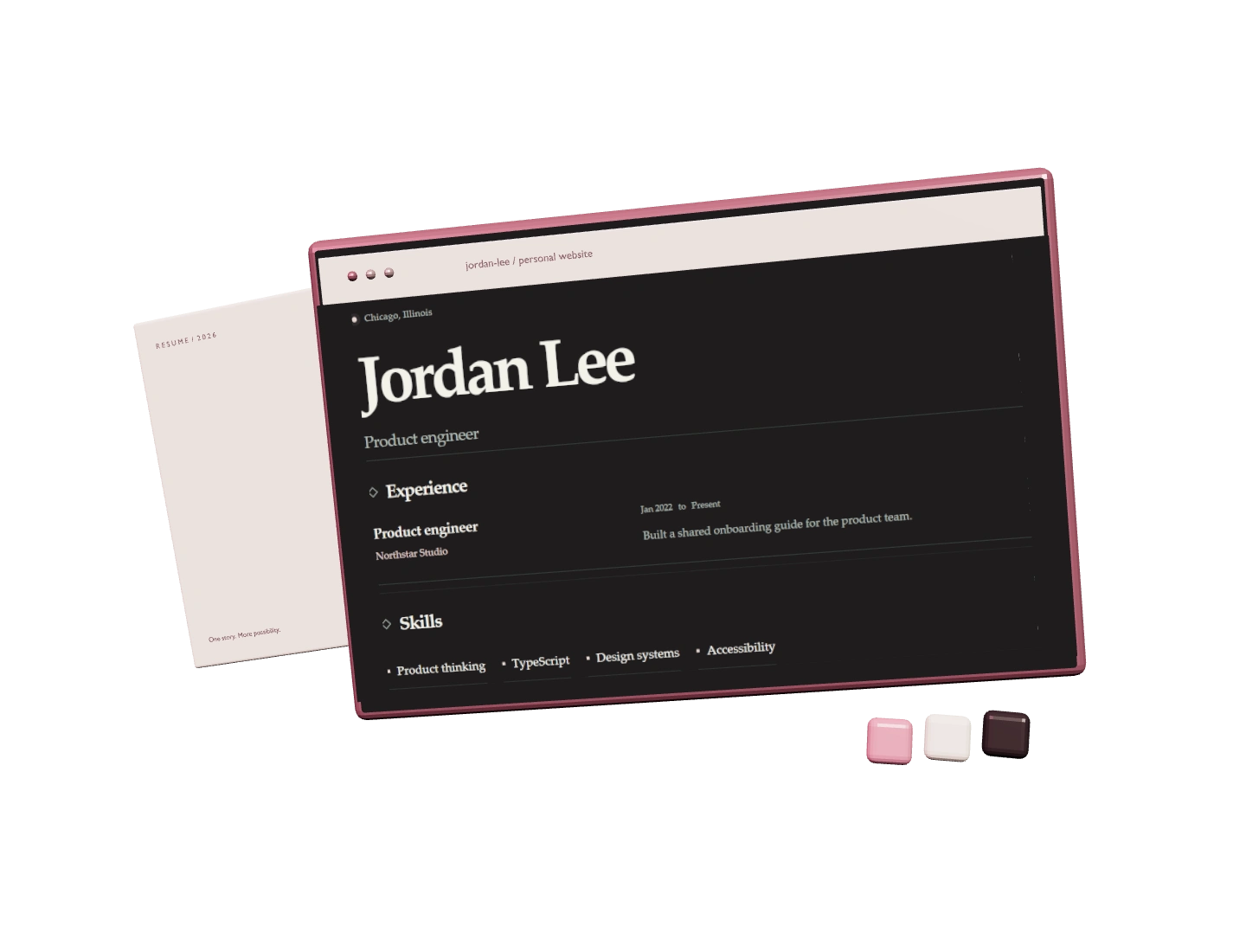
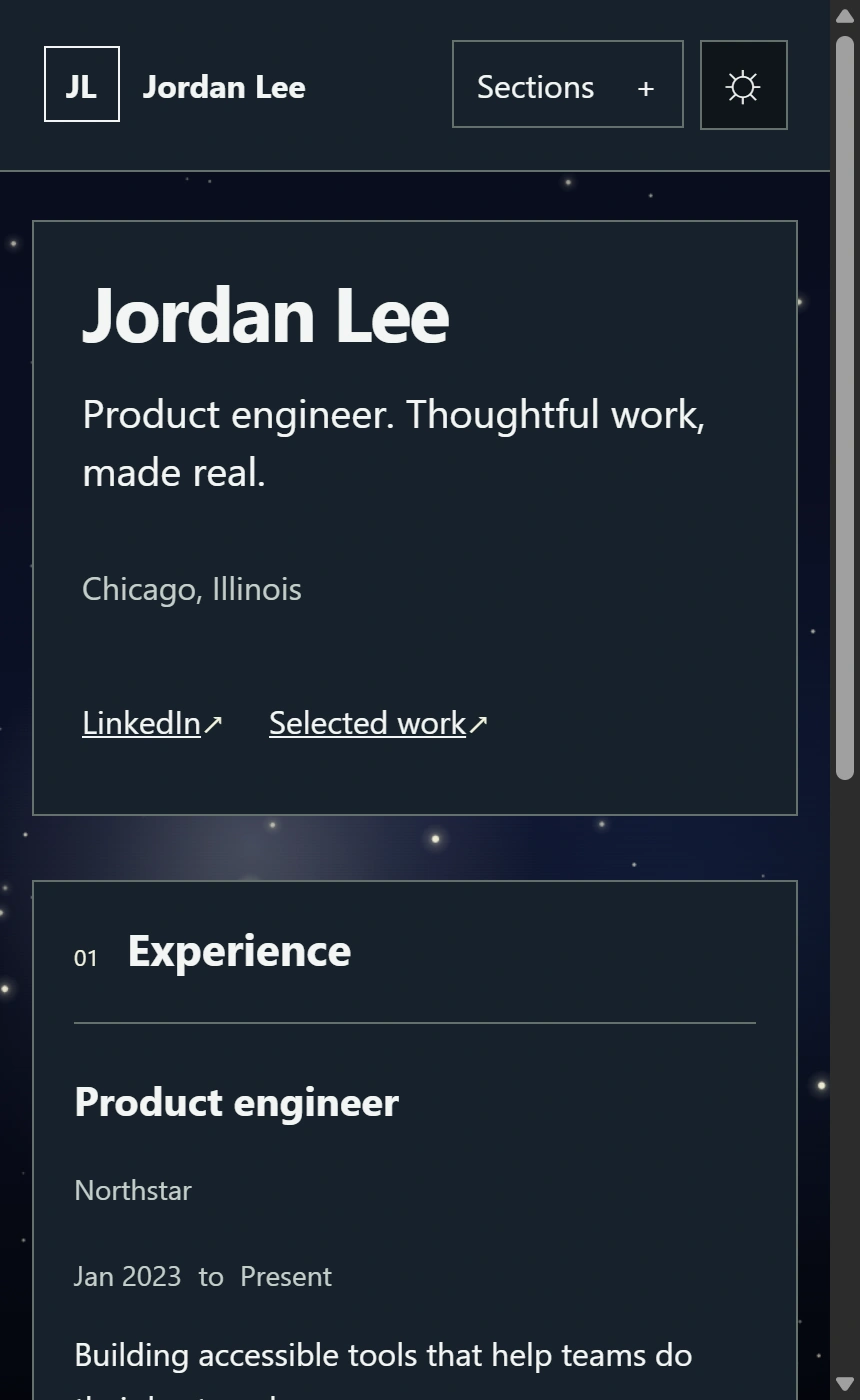
Explore Jordan’s projects and experience. Switch templates to see how the same work looks in a different setting.

Fictional profile. These Pro designs are available to preview with your own content before upgrading.

Jordan LeeFlux template
Open full site

A real website.
A free place to start.

Build and publish your first site on Free. No card required, and no subscription to set up.

ProBeta access

More possibilitiesAvailable with a Beta Access Code

Create sites for different audiences, refine your writing with AI Coach, and publish any design.

Have a Beta Access Code? Redeem it during setup or in Account → Plan. No payment details required.

  • Up to 3 websites
  • Choose your website path
  • Access to all Pro templates
  • ResumeReveal branding removed
  • AI Coach for focused writing help
  • Everything in Free

Before you
hit publish.

Do I need coding or design experience?

No. Add your details through guided fields, choose a template, and edit in the live preview. You never need to write HTML or JavaScript.

Can I start with my existing resume?

Yes. Import a PDF or DOCX during onboarding on any plan. You review the suggested details before applying them. AI Coach for ongoing writing help is included with Pro.

What if I don’t have much work experience?

Start with class projects, volunteering, campus roles, independent work, and the skills you’re learning. You can hide sections you don’t need and add more as you go.

Will my resume file be public?

Files used for AI import are processed for that request and aren’t saved or published. In Studio, you can separately upload a PDF and choose whether to show a resume download link on your published site.

What address will my site use?

Free sites get an automatically generated path on resumereveal.com. Pro supports choosing that path; bringing your own domain is not currently included.

Can I update a published site?

Yes. Your edits save to a private draft. Preview them, then choose Publish changes when you’re ready to update the public site.

How do I get started?

Create your free account with Google or Microsoft, then follow the guided setup. No new password or payment details to manage.

Start with what you’ve done

Give your next application
something more.

Your projects, your experience, your own corner of the web.

Build my free site